
Coming soon · Release date TBA
UpdatedFart Together Controller Support: Co-Op Play Guide
Fart Together controller support includes full gamepad support and Steam Input. Explore co-op options, PC requirements, and tips for steering your raft.
Jump to
Does Fart Together Support Controllers?
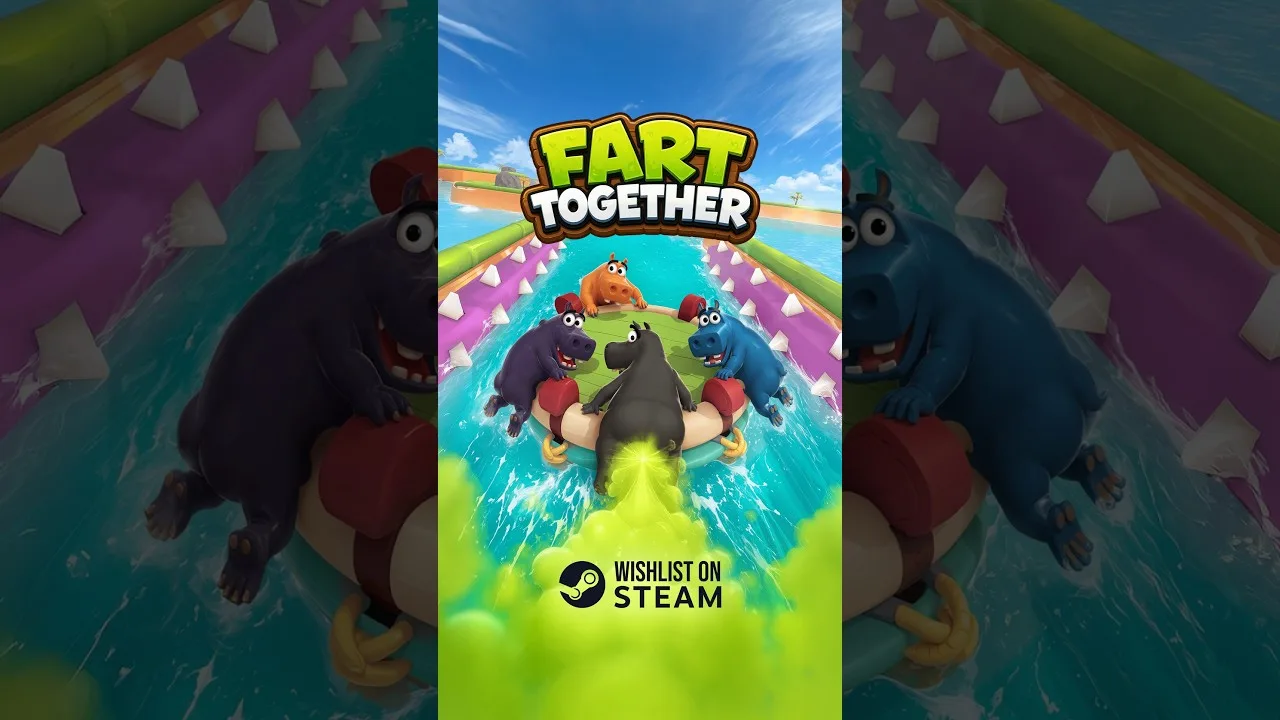
Yes, Fart Together controller support includes full controller support and Steam Input API support on Windows PC, so you can bring a gamepad to the raft. That matters because your direction, timing, and gas power affect everyone sharing the ride. Fart Together controller support sits alongside online and shared/split-screen multiplayer options, giving your group several ways to tackle its chaotic obstacle courses.
The core idea is wonderfully ridiculous: a group of players powers the same raft with farts. Getting through a course takes coordinated movement, especially when a sharp turn or moving obstacle interrupts your team's plans.
Here are the control and platform features to keep in mind:
| Feature | Fart Together support |
|---|---|
| Full controller support | Yes |
| Steam Input API support | Yes |
| Keyboard-only option | Yes |
| Windows | Supported |
| Release status | Coming soon |
The keyboard-only option also gives you another supported input choice. Choose your preferred controls around comfort, then focus on communicating with the people sharing your raft.
Fart Together is coming soon. You can wishlist Fart Together on Steam while planning your crew and checking your PC against its requirements.
The game is developed and published by GamesMrkt. Its central challenge is collective control: each player's actions contribute to the raft's movement, so learning to coordinate is part of learning to play.
Controller Support Across Co-op and Competitive Play
Fart Together combines a shared vehicle with multiplayer modes that put your coordination under pressure. Its co-op setup has 2–4 players steering the same raft, while competitive modes support up to 8 players.
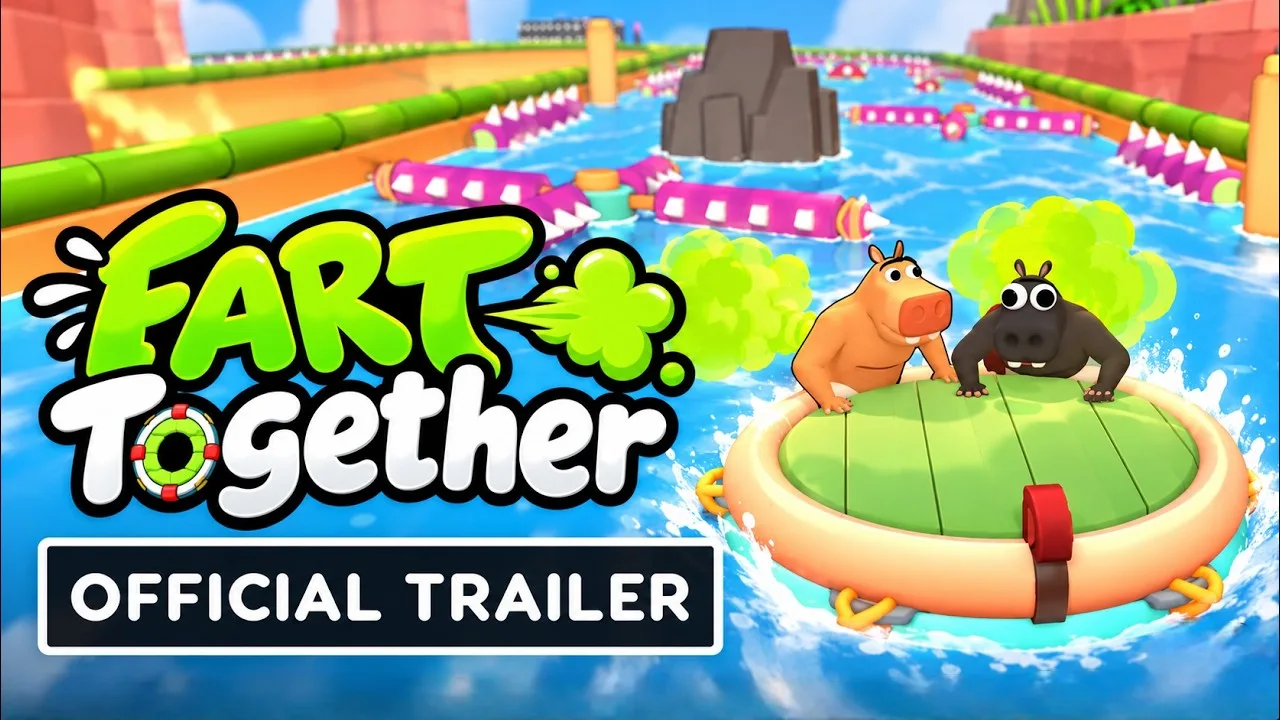
Those counts describe different experiences. Keep the co-op raft group and the larger competitive player count separate when organizing your session.
| Multiplayer feature | Supported format |
|---|---|
| Cooperative raft play | 2–4 players |
| Competitive modes | Up to 8 players |
| Online co-op | Supported |
| Shared/split-screen co-op | Supported |
| Online PvP | Supported |
| Shared/split-screen PvP | Supported |
| Remote Play Together | Supported |
Fart Together controller support is relevant whether you're interested in cooperative course runs or competitive play. The game also supports Remote Play Together, alongside its online and shared/split-screen features.
Before inviting friends, decide whether your group wants to cooperate or compete. For co-op, make sure everyone understands the shared-raft premise: your own movement contributes to the same outcome as everyone else's.
That changes how you should communicate. A player trying to correct the raft's direction can interfere with a teammate attempting a different correction. Talk about the intended turn before everyone reacts independently.
Keep your language clear during shared/split-screen sessions, too. Use course landmarks and the raft's intended direction when calling out a maneuver. A narrow opening ahead gives the whole group something concrete to discuss.
For competitive sessions, plan around the higher player count. Avoid describing every multiplayer activity as an eight-player raft run; the cooperative experience specifically centers on a crew of 2–4.
Whichever format you choose, keep the objective understandable. Your group needs to know whether you're working together through the course or entering a competitive mode before the shouting starts.
What Matters When Steering With a Gamepad?
Fart Together controller support gets your preferred input device into the game, but the raft still responds to force, direction, and timing. Those are the elements your team needs to coordinate.
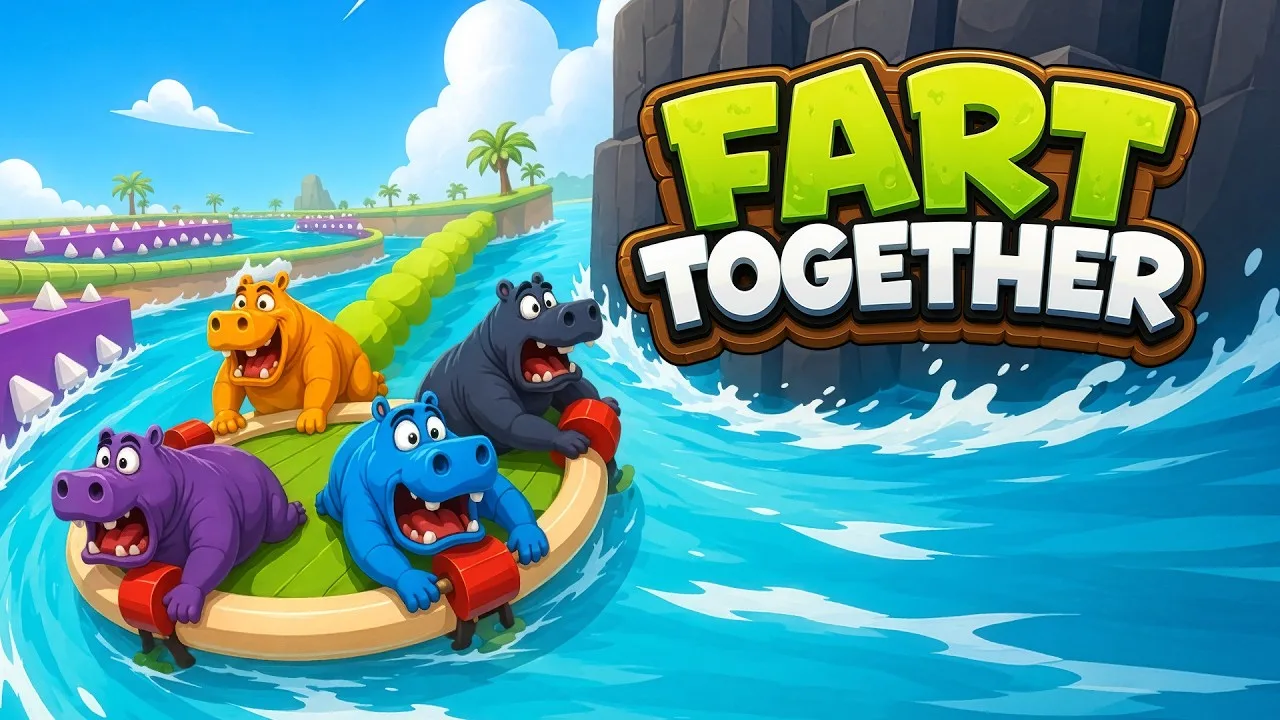
The courses include narrow passages, sharp turns, moving obstacles, and hazards that disturb the raft's balance. Some situations call for speed, others for slowing down, and others for everyone acting together.
| Course feature | Team task |
|---|---|
| Narrow passages | Coordinate your direction before entering |
| Sharp turns | Agree on the turn before applying force |
| Moving obstacles | Watch their movement and coordinate your timing |
| Balance-disrupting hazards | Communicate corrections as the raft reacts |
| Sections requiring speed changes | Call for acceleration or slowing down together |
Coordinate Direction Before Applying Power
Decide where the raft should go before the group commits to a maneuver. If teammates are trying to move in different directions, their actions can send the shared vehicle off course.
Use a clear destination in your callout: the opening ahead, the turn in the course, or the path around an obstacle. Keep everyone focused on the same immediate objective.
When a turn goes wrong, discuss the direction each person intended. That makes the next attempt more useful than simply repeating the maneuver with more enthusiasm.
Match Your Timing
Act together when the course calls for a coordinated move. The game's obstacles put pressure on the relationship between your inputs, so an individual action can arrive too early or too late for the rest of the crew.
Call the intended moment before a moving obstacle demands a reaction. Give teammates time to understand the plan, then commit together.
Keep callouts short during the maneuver. Save the detailed explanation for a moment when everyone can pay attention without also trying to avoid a hazard.
Adjust Force to the Situation
Match your gas power to the section ahead. Speeding up, slowing down, and making a turn each demand attention to what the raft is doing.
Avoid responding to every problem with another burst of power. Watch the raft's movement, identify the correction you want, and tell the team before applying it.
If your group keeps overshooting a turn, discuss both the direction and the force behind the maneuver. Timing alone isn't the only element affecting the raft.
Separate Control Comfort From Team Coordination
With Fart Together controller support, choose controls you feel comfortable using, then work on the shared maneuver. Full controller support and the keyboard-only option give players supported ways to participate.
When a run falls apart, review direction, force, and timing before blaming someone's input choice. Those mechanics directly affect the raft, regardless of which supported control option a player prefers.
PC Requirements for Your Controller Setup
Fart Together controller support applies to its Windows PC version. The minimum operating system is Windows 10 64-bit, with Windows 10/11 64-bit specified for the recommended configuration.

Check the rest of your system before organizing game night:
| Component | Minimum | Recommended |
|---|---|---|
| Processor | Intel Core i5-8400 or AMD Ryzen 3 1200 | Intel Core i5-10400 or AMD Ryzen 5 3600 |
| Memory | 8 GB RAM | 16 GB RAM |
| Graphics | NVIDIA GeForce GTX 1050 Ti or AMD Radeon RX 560 | NVIDIA GeForce GTX 1660 or AMD Radeon RX 590 |
| DirectX | Version 11 | Version 11 |
| Storage | 4 GB available space | 4 GB available space |
| Operating system | Windows 10 64-bit | Windows 10/11 64-bit |
| Network | Broadband internet | Broadband internet |
A 64-bit processor and operating system are required. The sound requirements specify a DirectX-compatible sound card.
For online co-op, a stable internet connection is required. Include that in your preparations alongside the hardware check, especially when friends are planning to join remotely.
Keep the minimum and recommended configurations distinct when comparing PCs. The recommended setup calls for more memory and different processor and graphics hardware; the storage requirement remains 4 GB.
Review your CPU, graphics card, memory, operating system, and available space as a complete checklist. A controller is one part of your setup, while the PC still needs to meet the game's requirements.
If you're organizing the group, share these requirements before settling on a session. That gives each player a clear hardware target without turning the invitation into a last-minute troubleshooting exercise.
Build a Team Routine Before the Raft Goes Sideways
Once you've planned around Fart Together controller support and chosen your multiplayer format, turn your attention to how the crew will work together.
Start with a shared understanding of the next obstacle. Identify the direction you want, whether the raft needs a speed change, and the moment when everyone should act.
Keep these habits in your team's routine:
- Call the next maneuver early. Give teammates time to understand a sharp turn or narrow passage.
- Coordinate changes in power. Tell the crew when you intend to speed up or slow down.
- Use the obstacle as your reference point. Keep instructions tied to the course everyone is navigating.
- Review the failed maneuver. Discuss whether direction, timing, or force sent the raft off course.
- Agree on a correction. Make sure teammates understand the same adjustment before acting.
The shared raft makes individual improvisation consequential. One player reacting late or steering the wrong way can disrupt the entire group, so make corrections part of the conversation.
After a messy turn, identify what happened before deciding what to change. Did someone aim elsewhere? Did the crew act at different moments? Did the raft receive more force than the maneuver needed? Use those questions to keep the discussion focused on actions your team can adjust.
When you approach moving obstacles, call attention to their motion before committing. When the course narrows, settle on the path through it. When the raft loses balance, communicate what correction you're attempting.
Keep the tone light enough that everyone wants another attempt. Fart Together is built around the comedy of a shared physics problem, and an ambitious maneuver can become a spectacular mess very quickly.
Your controller handles your inputs. Getting the whole crew to agree on those inputs is where the teamwork begins.
FAQ
Does Fart Together have full controller support?
Yes. Fart Together controller support includes full controller support and Steam Input API support on Windows PC. A keyboard-only option is also supported, giving players another way to control the game.
How many players can play Fart Together?
Co-op puts 2–4 players on the same raft. Competitive modes support up to 8 players. The game includes online and shared/split-screen options for both co-op and PvP.
Does Fart Together support Remote Play Together?
Yes, Fart Together supports Remote Play Together. It also includes online co-op, online PvP, shared/split-screen co-op, and shared/split-screen PvP, so decide which multiplayer format your group wants before organizing the session.
What PC do I need to play Fart Together?
The minimum requirements include Windows 10 64-bit, an Intel Core i5-8400 or AMD Ryzen 3 1200, 8 GB RAM, and a GTX 1050 Ti or Radeon RX 560. You also need DirectX 11 and 4 GB of available storage. Online co-op requires a stable internet connection.
Continue with
 Fart Together Steam Deck: Compatibility and ControlsFart Together Steam Deck compatibility is rated Unknown. See controller support, Windows requirements, co-op features, and what to check before you play.
More in Platforms
See all PlatformsPopular pages
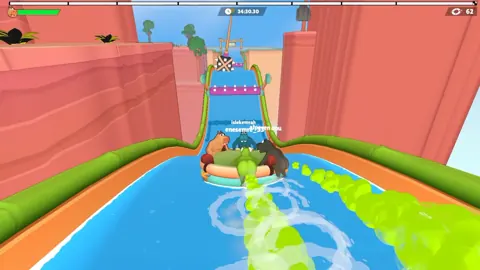
Fart Together Beginner Guide: Steer, Sync, and Survive
Use this Fart Together beginner guide to coordinate your crew, manage gas, tackle tricky raft obstacles, and avoid common mistakes in the free Steam demo.
Fart Together Release Date: Steam Launch and PC Guide
The Fart Together release date is coming soon on Steam. Check co-op player counts, Windows PC requirements, and raft gameplay before planning a game night.
Fart Together Demo: Download, Co-Op, and Playing Tips
Try the Fart Together demo on Steam with 2–4 players. Learn to get started, coordinate your raft, manage stamina, and tackle tricky courses with friends.
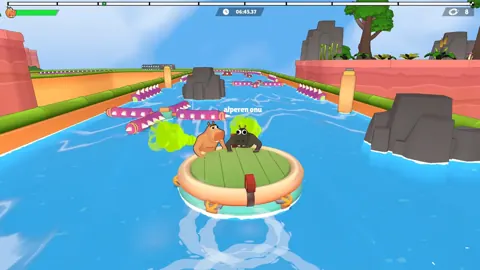
Fart Together Crossplay: Platforms and Co-Op Explained
Explore Fart Together crossplay details, Windows support, co-op player limits, local multiplayer, and Remote Play Together before planning your game night.
Join the community
Official channels for news, updates and player help: