
Coming soon · Release date TBA
UpdatedFart Together Steam Deck: Compatibility and Controls
Fart Together Steam Deck compatibility is rated Unknown. See controller support, Windows requirements, co-op features, and what to check before you play.
Jump to
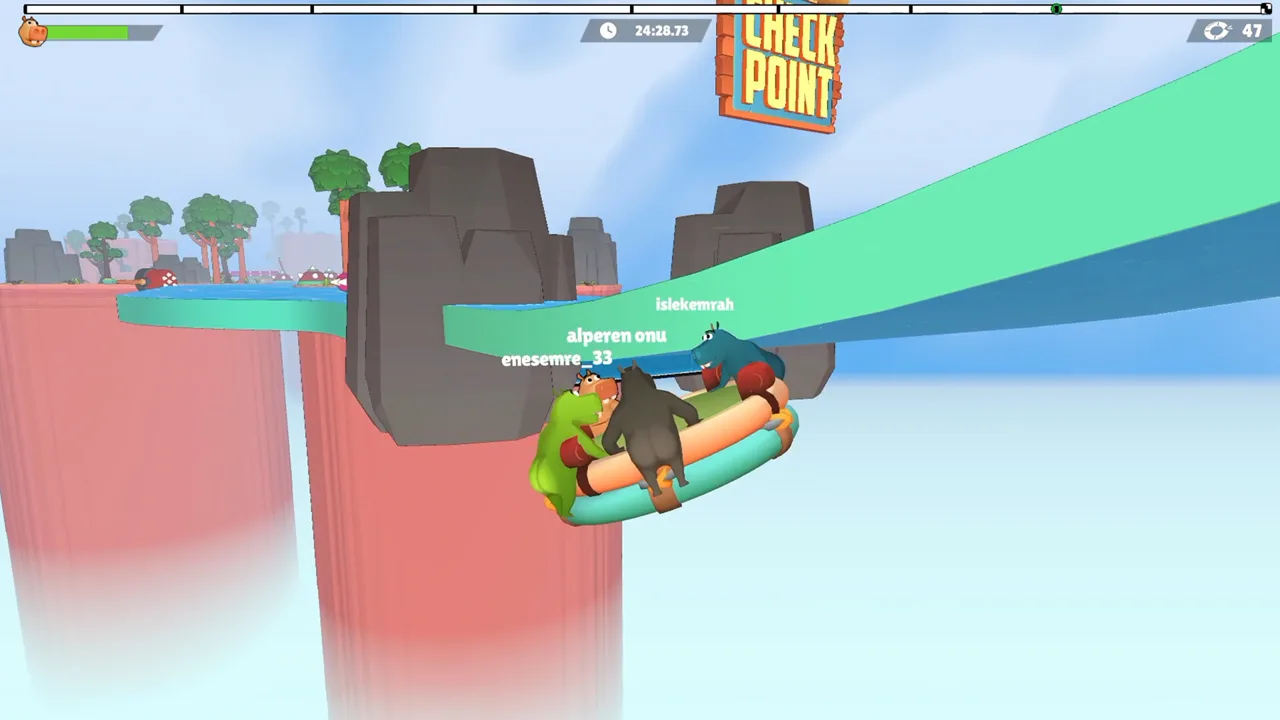
Fart Together Steam Deck Compatibility: Unknown
A shared raft and a crew of fart-powered friends make a tempting recipe for portable chaos. Fart Together Steam Deck compatibility is rated Unknown by Valve, making that status worth checking before you organize a handheld session. This Fart Together Steam Deck guide covers the current platform status, controller features, PC requirements, and coordination behind the comedy.
Developed and published by GamesMrkt, Fart Together is a physics-based obstacle course game built around steering a raft with your friends. Its release status is Coming soon, with Windows support announced.
Here is the current platform picture:
| Platform or feature | Current status |
|---|---|
| Steam Deck compatibility review | Unknown |
| SteamOS / Linux compatibility review | Unknown |
| Windows support | Yes |
| Native Linux support | No |
| macOS support | No |
| Release status | Coming soon |
The Steam Deck and SteamOS review categories are both Unknown. Keep that category attached to any discussion of the game’s handheld compatibility: it is the current Valve rating for this title.
Controller features are a separate part of the picture. Fart Together includes full controller support and Steam Input API support among its announced features. Those details address input support, while the compatibility category addresses Valve’s platform review.
For now, use the Fart Together Steam page to wishlist the game and check its release and compatibility status before planning a session. Revisit those details when you are ready to play, especially if your group is organizing around a Steam Deck.
The game also has an associated demo, Steam app ID 5208630. Keep the demo and full game distinct when checking their individual Steam pages or discussing which version your group intends to try.
Controller Support and What to Check
The Fart Together Steam Deck controls conversation starts with two useful features: full controller support and Steam Input API support. The game also includes a keyboard-only option, giving PC players another way to handle the raft.
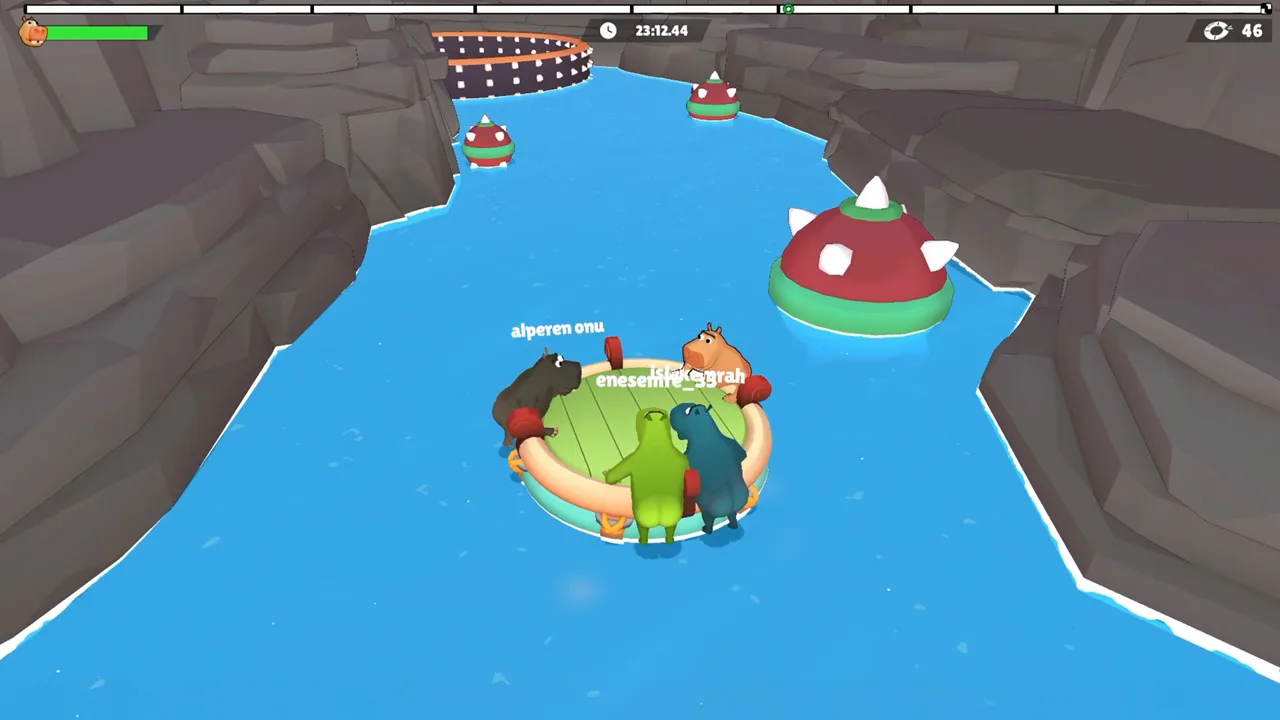 Image: Steam / GamesMrkt
| Input feature | Announced support |
|---|---|
| Full controller support | Yes |
| Steam Input API support | Yes |
| Keyboard-only option | Yes |
Once you have access to the game, learn how its controls handle direction and gas power before tackling a narrow passage with friends. Both matter because the raft reacts to the force, direction, and timing of each player’s actions.
Practice those elements separately. Focus on choosing a direction, then coordinate the timing of your input with the rest of the crew. When everyone changes direction and applies power at once, it becomes harder to work out which action sent the raft sideways.
Use short, specific calls during a run:
- Name the intended direction before applying force.
- Ask the crew to ease off when approaching a tight turn.
- Call out moving obstacles before the raft reaches them.
- Agree on a shared cue for maneuvers that require simultaneous input.
These habits follow directly from the raft’s shared physics. Every player contributes to its movement, so understanding your own controls is only part of steering successfully.
For a Fart Together Steam Deck session, include menus and on-screen readability in your own hands-on checks. Make sure you can comfortably follow the action and identify what your teammates are trying to do before committing to a longer group session.
The same principle applies to graphics adjustments: judge changes through actual course play. Watch what happens during turns, moving hazards, and group maneuvers, where consistent control matters to the entire raft.
PC Requirements: Hardware, Storage, and Internet
Fart Together’s published PC requirements cover Windows. They provide a useful hardware reference, and the Steam Deck review category remains Unknown.
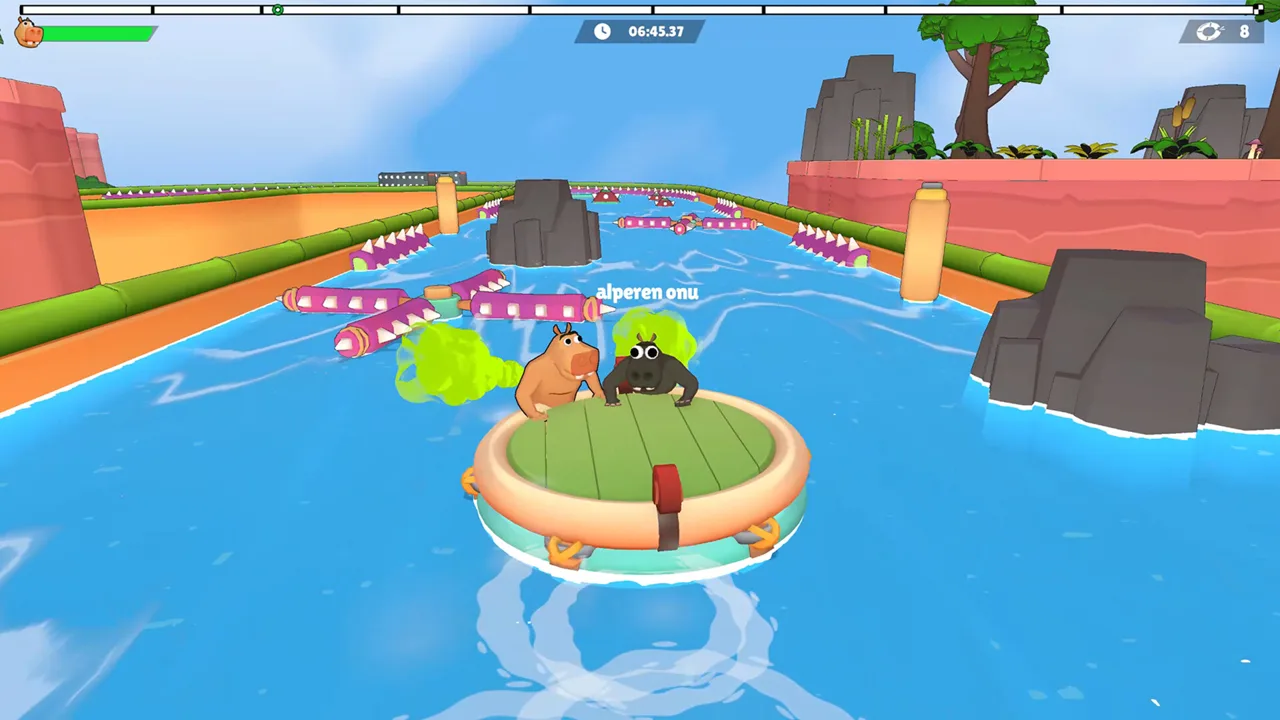 Image: Steam / GamesMrkt
The minimum specification calls for 8 GB RAM, a GTX 1050 Ti or Radeon RX 560, and 4 GB of available storage. Recommended specifications increase the memory requirement to 16 GB RAM and name a GTX 1660 or Radeon RX 590.
| Component | Minimum PC requirement | Recommended PC requirement |
|---|---|---|
| Operating system | Windows 10, 64-bit | Windows 10/11, 64-bit |
| Processor | Intel Core i5-8400 or AMD Ryzen 3 1200 | Intel Core i5-10400 or AMD Ryzen 5 3600 |
| Memory | 8 GB RAM | 16 GB RAM |
| Graphics | NVIDIA GeForce GTX 1050 Ti or AMD Radeon RX 560 | NVIDIA GeForce GTX 1660 or AMD Radeon RX 590 |
| DirectX | Version 11 | Version 11 |
| Available storage | 4 GB | 4 GB |
| Network | Broadband internet connection | Broadband internet connection |
| Sound | DirectX-compatible sound card | DirectX-compatible sound card |
Both configurations require a 64-bit processor and operating system. A stable internet connection is required for online co-op.
Keep the platform context beside these numbers when comparing hardware. They describe the Windows version’s requirements; the Fart Together Steam Deck compatibility category is its own item to check.
Storage is straightforward to plan around: reserve the stated 4 GB of available space for the full game’s PC requirement. Keep that figure attached to the full game when discussing installation plans, since the demo is a separate application.
Internet access deserves just as much attention as storage when you are gathering friends. Arrange your online session somewhere you can maintain a stable connection, and make sure everyone understands that online co-op requires internet access.
For players moving between devices, Steam Cloud is also among the game’s announced features. Keep account and version choices clear within your group so everyone knows which game they are preparing to launch.
Co-op, Competitive Play, and Shared Screens
Fart Together puts 2–4 players on the same raft in co-op. Competitive modes support up to 8 players, giving larger groups another way to get involved.
 Image: Steam / GamesMrkt
Those counts apply to different parts of the game. Plan your crew around the mode you want to play before inviting everyone into the same session.
| Multiplayer feature | Supported scope |
|---|---|
| Shared-raft co-op | 2–4 players |
| Competitive modes | Up to 8 players |
| Online co-op | Supported |
| Online PvP | Supported |
| Shared/split-screen co-op | Supported |
| Shared/split-screen PvP | Supported |
| Remote Play Together | Supported |
The shared raft is the heart of co-op. Your direction, timing, and gas power all affect the same vehicle. A late reaction can disrupt a maneuver, while a coordinated burst can help the team navigate a difficult section.
Before a Fart Together Steam Deck gathering, settle on the intended multiplayer format. Online co-op, shared/split-screen play, and Remote Play Together are all announced features, so be specific when discussing how everyone plans to join.
For shared-screen play, include the display arrangement in your preparation. Check whether everyone can comfortably follow their character and the approaching course hazards. Narrow passages and moving obstacles demand attention from the whole crew.
For online co-op, agree on a few simple calls before starting a difficult stretch. “Left,” “ease off,” and a shared timing cue communicate more useful information than several people shouting different corrections.
Competitive sessions have a larger player limit, while the shared-raft co-op experience centers on a smaller crew. Keep those formats clear when making plans, particularly if your group has more than four people.
The game also includes Steam Achievements and Steam Leaderboards. If your friends enjoy comparing results, keep those features in mind alongside the cooperative challenge of getting a raft through the course together.
Raft Control Tips for Your Crew
The useful preparation for a Fart Together Steam Deck session extends beyond choosing a device. Once you are on the raft, the central challenge is getting several people to apply force in a coordinated way.
Choose a direction before adding power
Call the intended route before everyone starts steering. The raft responds to individual contributions, so conflicting directions can send the whole team off course.
At a sharp turn, identify where the raft needs to go and ask the group to follow that call. Keep corrections brief enough that teammates can act on them while watching the course.
Match your pace to the obstacle
Ease off as you approach a narrow passage. Give the crew room to make a deliberate correction instead of combining several rushed inputs.
The courses include situations that require speeding up, slowing down, and moving together. Adjust your approach to the obstacle ahead, and communicate the change before applying it.
Watch moving hazards as a team
Call attention to an approaching obstacle early. Ask everyone to watch its movement and agree on when to act.
Avoid filling that moment with competing instructions. A clear timing cue gives the group a shared action to follow when the course demands coordination.
Change one part of a failed maneuver
After a mistake, identify the direction, force, or timing you want to adjust on the next attempt. Keep the discussion focused on the raft’s movement.
If the crew turned too late, call the turn earlier. If several players acted at different moments, agree on one cue. These are practical ways to use the game’s shared physics without turning every failed maneuver into an argument.
Keep the next attempt specific
Name the obstacle and the intended action before trying again. “Ease off before the passage” gives your crew something concrete to follow.
The comedy comes from a ridiculous propulsion system, but the teamwork asks for clear decisions. Give your friends a plan they can execute together, then enjoy whatever happens to the raft.
FAQ
Is Fart Together Steam Deck Verified?
Fart Together Steam Deck compatibility is rated Unknown by Valve. Its SteamOS / Linux compatibility review is also Unknown. The game’s release status is Coming soon.
Does Fart Together support controllers?
Yes. Its announced features include full controller support and Steam Input API support. A keyboard-only option is also included.
How many players can play Fart Together?
Co-op supports 2–4 players steering the same raft. Competitive modes support up to 8 players. Online and shared/split-screen multiplayer features are included.
Does Fart Together have a native Linux version?
The announced platform support covers Windows. Native Linux and macOS support are marked No, while Valve’s SteamOS / Linux compatibility review is Unknown.
Continue with
 Fart Together System Requirements: Can You Run It?Check Fart Together system requirements, including minimum and recommended PC specs, RAM, graphics, storage, Windows support, and online co-op essentials.
More in Platforms
See all PlatformsPopular pages
Fart Together Beginner Guide: Steer, Sync, and Survive
Use this Fart Together beginner guide to coordinate your crew, manage gas, tackle tricky raft obstacles, and avoid common mistakes in the free Steam demo.
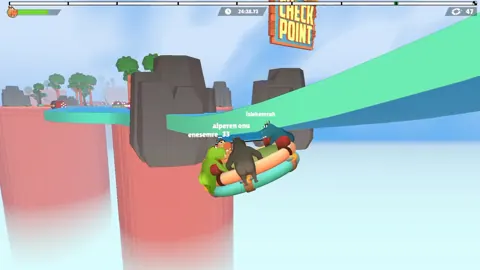
Fart Together Release Date: Steam Launch and PC Guide
The Fart Together release date is coming soon on Steam. Check co-op player counts, Windows PC requirements, and raft gameplay before planning a game night.
Fart Together Demo: Download, Co-Op, and Playing Tips
Try the Fart Together demo on Steam with 2–4 players. Learn to get started, coordinate your raft, manage stamina, and tackle tricky courses with friends.
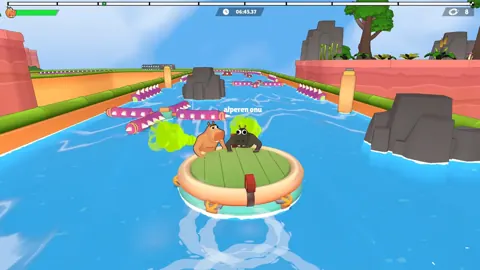
Fart Together Crossplay: Platforms and Co-Op Explained
Explore Fart Together crossplay details, Windows support, co-op player limits, local multiplayer, and Remote Play Together before planning your game night.
Join the community
Official channels for news, updates and player help: