
Coming soon · Release date TBA
UpdatedFart Together Crossplay: Platforms and Co-Op Explained
Explore Fart Together crossplay details, Windows support, co-op player limits, local multiplayer, and Remote Play Together before planning your game night.
Jump to
Fart Together Crossplay: Start With Windows on Steam
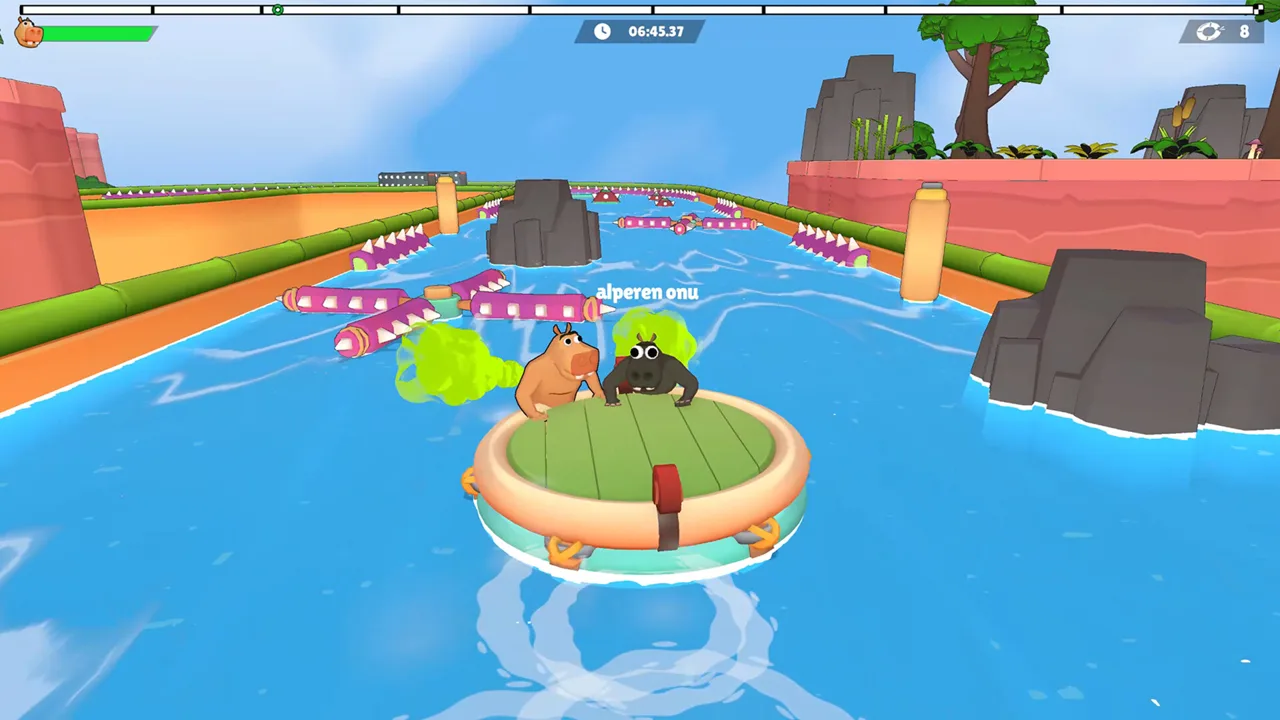
One shared raft is chaotic enough before your group starts comparing platforms. For Fart Together crossplay planning, start with the Windows PC version on Steam, which features online co-op, shared/split-screen play, and Remote Play Together. Sorting out Fart Together crossplay before game night helps your crew choose how to play and how many friends to bring.
Fart Together is coming soon on Steam. Its cooperative obstacle courses put 2–4 players on the same raft, while competitive modes support up to 8 players.
The platform details for the Steam version are straightforward:
| Platform | Native Steam version support |
|---|---|
| Windows | Supported |
| macOS | No native version |
| Linux | No native version |
Build your plans around Windows PCs for the Steam version. Full controller support gives players another input option, but using a controller does not change the platform running the game.
Crossplay means connecting players across different gaming platforms. Online co-op describes playing cooperatively over the internet. Local multiplayer describes sharing a screen or using split-screen. Those terms answer different questions, even when they appear around the same game.
For your group, start with the practical details: who has a Windows PC, whether you want cooperative or competitive play, and whether you plan to play locally or online. Then choose the multiplayer option that matches those plans.
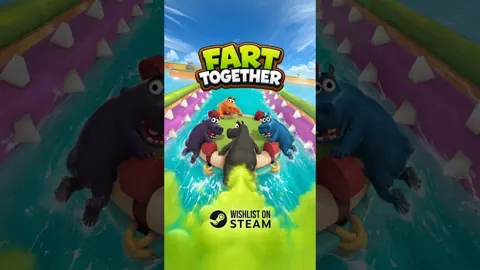
You can wishlist Fart Together on Steam while preparing your crew for launch.
Choose Between Co-op, Competitive, and Local Play
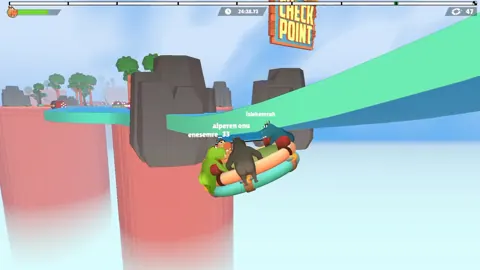
The central attraction is cooperative raft control. Instead of steering independent vehicles, your team shares a raft that responds to everyone’s direction, force, and timing. One mistimed burst can affect the whole group.
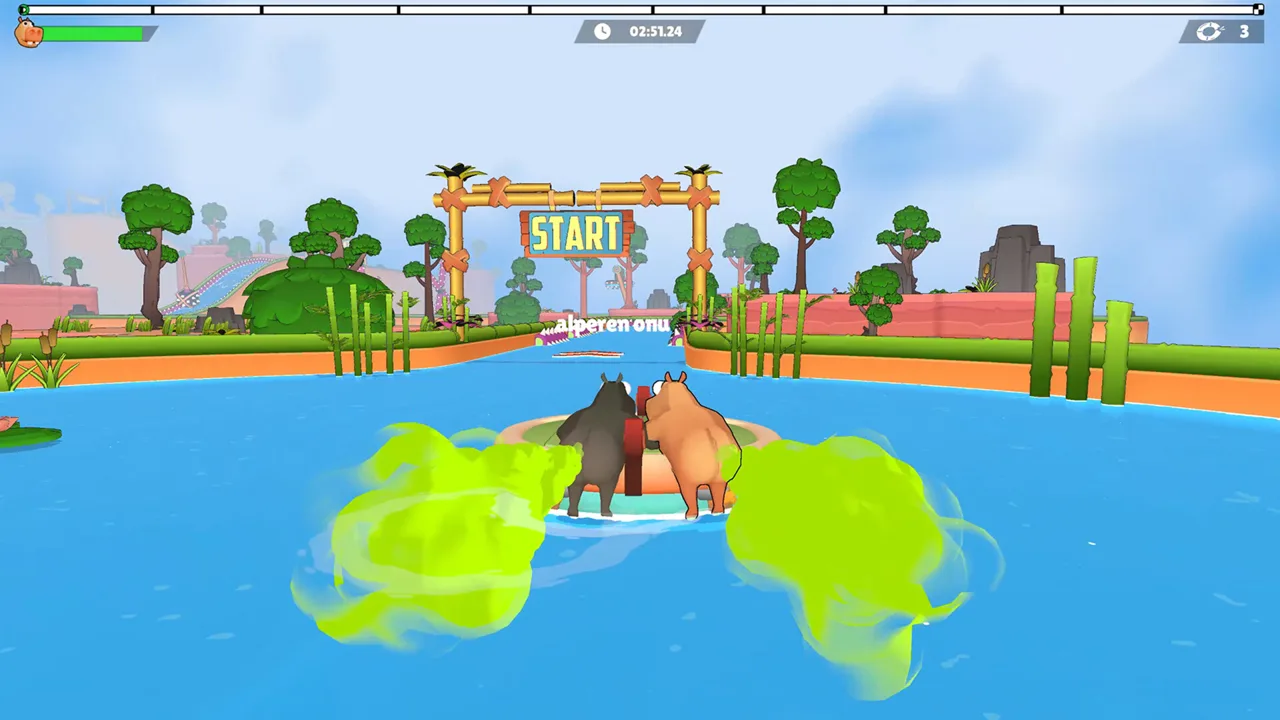 Image: Steam / GamesMrkt
That makes party size more than a head count. In cooperative play, every teammate contributes to the movement of the same craft. Competitive modes accommodate a larger group, with support for up to eight players.
Keep these distinctions handy when discussing Fart Together crossplay and multiplayer options:
| Multiplayer feature | Player count or format |
|---|---|
| Cooperative raft gameplay | 2–4 players |
| Competitive modes | Up to 8 players |
| Online co-op | Cooperative play over the internet |
| Online PvP | Competitive online play |
| Shared/split-screen co-op | Local cooperative play |
| Shared/split-screen PvP | Local competitive play |
| Remote Play Together | Steam feature included |
Use the 2–4-player limit when organizing a cooperative raft group. The eight-player figure applies to competitive modes; it is not the size of the cooperative crew.
Choose co-op if your plan is to tackle obstacle courses as a team. Expect the challenge to come from coordinating movement through tight spaces, sharp corners, and moving hazards. Your teammates’ decisions matter because their inputs affect the raft you all occupy.
For a larger competitive gathering, organize around the eight-player limit instead. Keep that plan separate from the shared-raft co-op format so everyone arrives expecting the right activity.
If you are gathering in the same room, focus on the shared/split-screen features. If your friends are playing from separate locations, focus on the online modes. Decide on the format before sorting out individual control preferences.
Keep Remote Play Together and Controller Support Separate
Remote Play Together deserves attention when you are exploring Fart Together crossplay, but it is a separate Steam feature from cross-platform matchmaking. Keep the feature names distinct when making plans with friends.
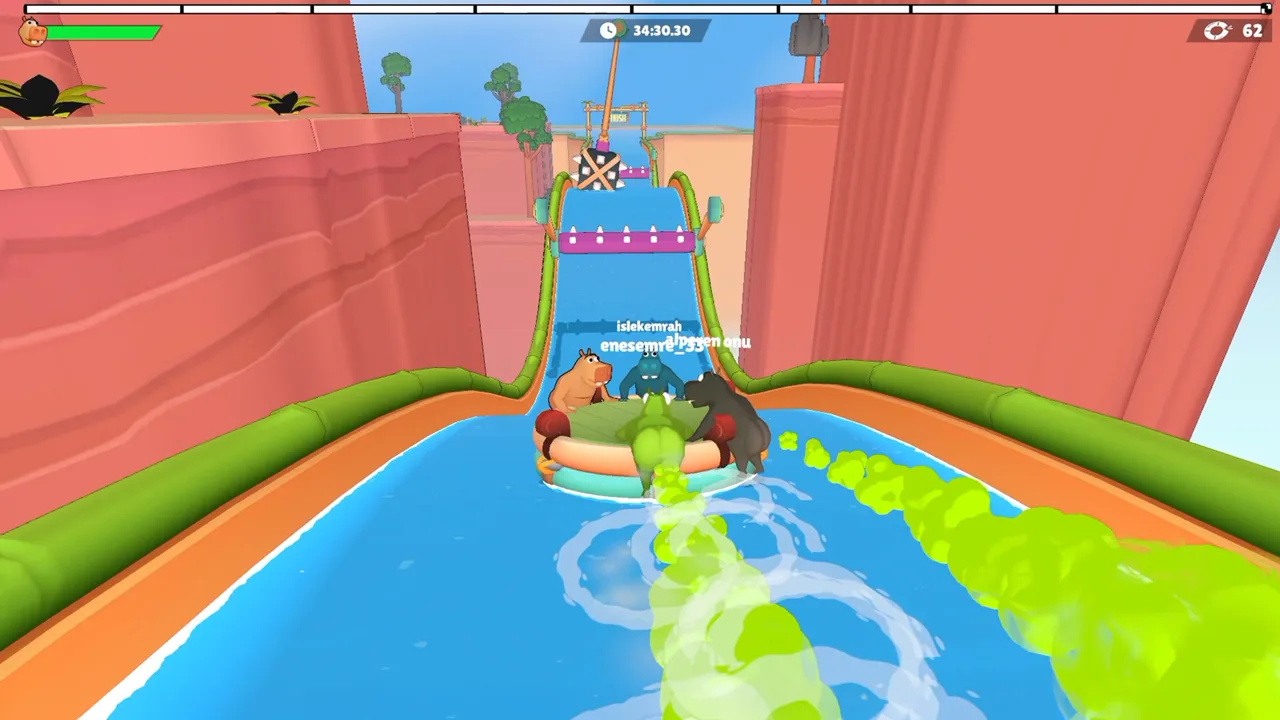 Image: Steam / GamesMrkt
Fart Together also supports controllers, Steam Input, and a keyboard-only option. Those features concern how you control the game. They sit alongside the multiplayer features rather than replacing them.
| Feature | What it concerns |
|---|---|
| Full controller support | Playing with a controller |
| Keyboard-only option | Playing with keyboard input |
| Steam Input API support | Steam’s input system |
| Shared/split-screen play | Local multiplayer presentation |
| Remote Play Together | A separate Steam multiplayer feature |
| Online co-op | Cooperative internet play |
Separate the conversation into hardware, controls, and multiplayer format. “I want to use a controller” answers a control question. “I want to play from home” answers a multiplayer-format question. Neither statement identifies the operating system running the game.
That distinction is especially useful when someone casually says they are a “console player” but also owns a Windows PC. Ask which device they intend to use for Fart Together, then discuss their preferred controls.
For Fart Together crossplay planning, keep your group’s expectations tied to the Windows Steam version and the specific multiplayer features above.
Once you have chosen a format, agree on simple direction calls. The raft reacts to everyone’s actions, so clear communication will matter more than whether a teammate prefers a keyboard or controller.
Use short calls such as “left,” “wait,” and “go.” Agree on what those calls mean before tackling a narrow passage, particularly when several teammates need to act together.
Check Your PC and Internet Connection
Before scheduling an online session, compare each player’s Windows PC with the system requirements. Fart Together requires a 64-bit processor and operating system, DirectX 11, and 4 GB of available storage.
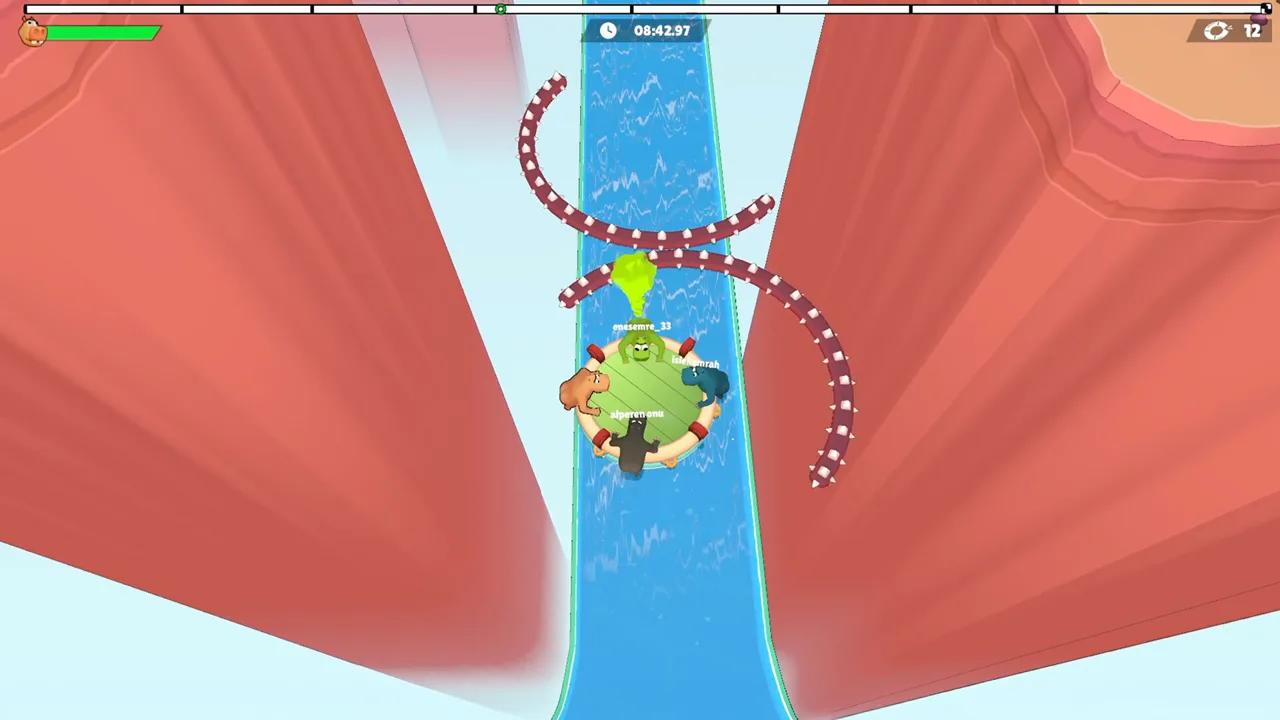 Image: Steam / GamesMrkt
Online co-op also requires a stable internet connection. Include that in your preparations alongside the graphics card and processor.
| Component | Minimum requirements | Recommended requirements |
|---|---|---|
| Operating system | Windows 10, 64-bit | Windows 10/11, 64-bit |
| Processor | Intel Core i5-8400 or AMD Ryzen 3 1200 | Intel Core i5-10400 or AMD Ryzen 5 3600 |
| Memory | 8 GB RAM | 16 GB RAM |
| Graphics | NVIDIA GeForce GTX 1050 Ti or AMD Radeon RX 560 | NVIDIA GeForce GTX 1660 or AMD Radeon RX 590 |
| DirectX | Version 11 | Version 11 |
| Storage | 4 GB available | 4 GB available |
| Network | Broadband internet connection | Broadband internet connection |
| Sound | DirectX-compatible sound card | DirectX-compatible sound card |
Compare the processor, memory, and graphics card separately. Having enough storage covers one requirement; it does not answer whether the rest of the machine meets the specifications.
Use the recommended column when checking against the recommended hardware target. Avoid translating these specifications into a promised frame rate or resolution—the requirements provide component targets rather than performance figures.
For an online group, have each player check their own machine. Organizing a full cooperative crew is easier when everyone has already considered the Windows requirement, hardware specifications, and internet connection.
Keep connection preparations practical: arrange access to a stable broadband connection before starting online co-op. The game’s shared movement makes timing central to the experience, and the online mode explicitly requires that stable connection.
If your group is comparing equipment while discussing Fart Together crossplay, settle the platform question first. Then work through hardware and controls without mixing those separate decisions together.
Coordinate the Raft Before Chasing Speed
Once your multiplayer plans are settled, the real challenge is moving together. Fart Together uses physics-based raft movement, with each player contributing force and direction.
Courses include narrow passages, sharp turns, moving obstacles, and hazards that upset the raft’s balance. Some situations call for acceleration, others for slowing down, and others for synchronized input.
Treat communication as part of steering. A burst that makes sense to one player can work against another teammate’s correction.
Agree on a Shared Direction
Choose a consistent meaning for “left” and “right” before entering a difficult section. Use a shared reference point that everyone understands, then keep those calls consistent.
Call the intended movement before applying force. Give your teammates a chance to align their actions instead of asking them to interpret a sudden change in direction.
When several people start correcting at once, pause the competing instructions. Agree on the next movement, then act together.
Match Your Input to the Obstacle
Use these tips to turn the course mechanics into a simple team plan:
- Before a sharp turn: Call the intended direction early and coordinate the change.
- At a narrow passage: Agree on the line through the opening before adding force.
- Near moving obstacles: Watch their movement and coordinate your timing.
- When the raft loses balance: Call for a shared correction instead of several unrelated reactions.
- Before accelerating: Make sure the team intends to move in the same direction.
Resist the urge to answer every problem with more power. The raft responds to force, direction, and timing, so a stronger push can still send the team somewhere it never intended to go.
Discuss the Mistake, Then Change the Plan
After a failed maneuver, identify the action that caused trouble. Ask whether the team turned too late, pushed in conflicting directions, or accelerated before everyone was ready.
Keep the discussion specific. “Wait for the turn call” gives the group something to change. Arguing about who is generally bad at steering gives the next attempt no clearer direction.
Adjust one part of the plan at a time. Try coordinating the timing before changing the intended route, or agree on the direction before adding more force. This keeps your team’s next decision understandable.
The same preparation that helps with Fart Together crossplay questions helps here: agree on the essentials before the chaos starts. Choose your multiplayer format, check your PCs, and decide how your crew will communicate. Then put that coordination to work on the raft.
FAQ
What should I plan around for Fart Together crossplay?
Plan around the Windows PC version on Steam. Its multiplayer features include online co-op, online PvP, shared/split-screen play, and Remote Play Together. Cross-platform play, online multiplayer, and local multiplayer describe different capabilities, so keep those terms separate when organizing your group.
How many players can play Fart Together?
Cooperative raft gameplay supports 2–4 players. Competitive modes support up to 8 players. Use the cooperative limit when inviting friends to steer the same raft through obstacle courses.
Does Fart Together support local multiplayer and controllers?
Yes. Fart Together includes shared/split-screen co-op and PvP, full controller support, Steam Input API support, and a keyboard-only option. Choose your multiplayer format and preferred input method before organizing the session.
Is Fart Together available yet?
Fart Together is coming soon on Steam. You can add Fart Together to your Steam wishlist while checking your PC requirements and organizing your group.
Popular pages
Fart Together Release Date: Steam Launch and PC Guide
The Fart Together release date is coming soon on Steam. Check co-op player counts, Windows PC requirements, and raft gameplay before planning a game night.
Fart Together Demo: Download, Co-Op, and Playing Tips
Try the Fart Together demo on Steam with 2–4 players. Learn to get started, coordinate your raft, manage stamina, and tackle tricky courses with friends.
Fart Together Fart Timing: Coordinate Your Raft Crew
Improve your Fart Together fart timing with practical tips for coordinated raft movement, sharp turns, narrow passages, and moving obstacles. Plan ahead.
Fart Together Controller Support: Co-Op Play Guide
Fart Together controller support includes full gamepad support and Steam Input. Explore co-op options, PC requirements, and tips for steering your raft.
Join the community
Official channels for news, updates and player help: