
Coming soon · Release date TBA
UpdatedFart Together Steam Community: Co-Op and Demo Guide
Explore the Fart Together steam community, learn how the free demo works, compare multiplayer features, and plan your next raft run with friends on Steam.
Jump to
Where to Start With the Fart Together Steam Community
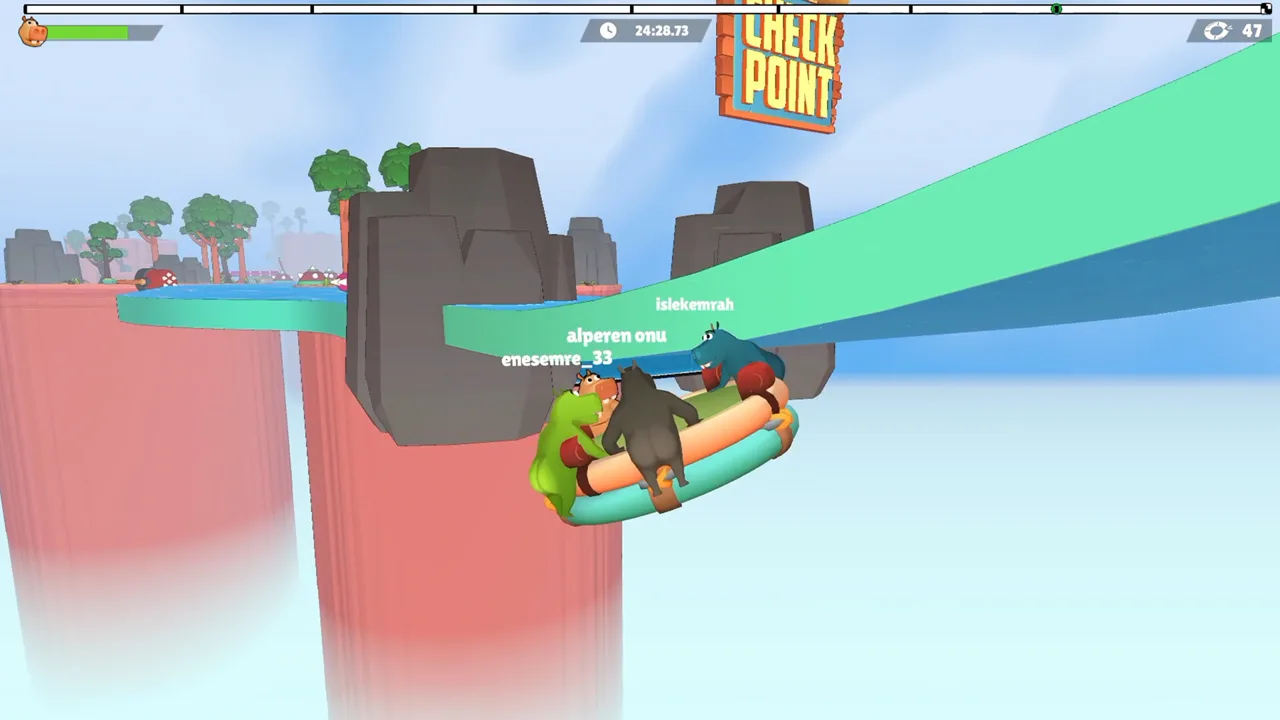
One mistimed burst can send your whole crew off course in Fart Together. If you’re exploring the Fart Together steam community, start with the game’s official Steam page and free demo to get your group ready for its shared-raft chaos. Use your time with the Fart Together steam community to organize a crew, compare coordination tips, and share useful feedback about controls and course difficulty.
The setup is ridiculous, but the teamwork has real consequences. You and your friends play as hippos steering a raft with fart power. Every player contributes force, and the direction and timing of those contributions determine where the whole team goes.
That gives you something specific to discuss after a run: the turn everyone interpreted differently, the obstacle that scattered your timing, or the correction that finally kept the raft on course.
Here’s the starting picture:
| Detail | Fart Together |
|---|---|
| Developer and publisher | GamesMrkt |
| Full-game release status | Coming soon |
| Free demo release date | October 8, 2026 |
| Shared-raft co-op | 2–4 players |
| Full-game competitive modes | Up to 8 players |
| PC platform | Windows |
Visit the official Fart Together Steam page to wishlist the full game, or download the free Fart Together Demo to start playing.
Know the Difference Between the Demo and Full Game
Before organizing a session through the Fart Together steam community, make sure everyone means the same version. The demo is available now, while the full game remains coming soon.
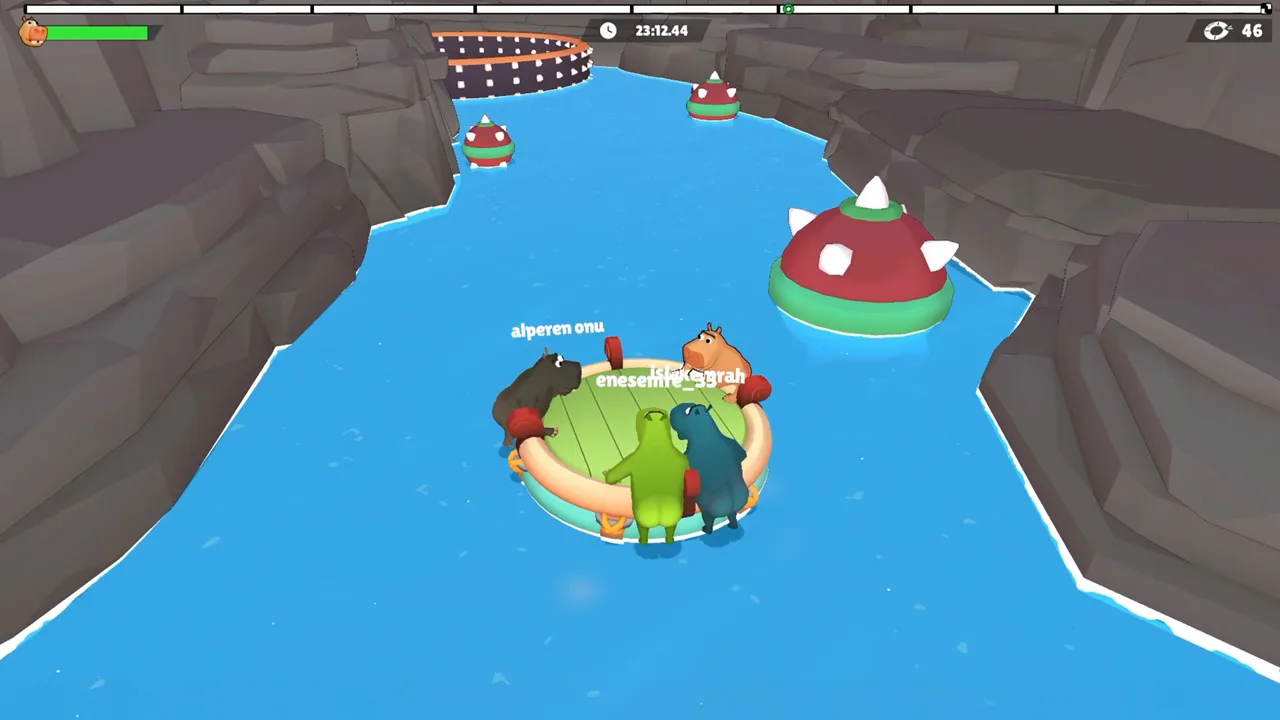 Image: Steam / GamesMrkt
The demo centers on online co-op for 2–4 players. Your group shares a raft and works through physics-based obstacle courses together. The full game includes that shared-raft concept alongside competitive modes supporting up to 8 players.
Keep those player counts attached to their modes. An 8-player competitive feature doesn’t turn the demo’s co-op raft into an 8-player boat.
| Feature | Free demo | Full game |
|---|---|---|
| Availability | Released | Coming soon |
| Shared-raft co-op player count | 2–4 | 2–4 |
| Online co-op | Included | Included |
| Competitive player count | — | Up to 8 |
| Shared/split-screen co-op and PvP | — | Included among full-game features |
| Remote Play Together | — | Included among full-game features |
The dash entries keep the comparison focused on each version’s stated features. When inviting friends, name the demo explicitly so everyone prepares for the same session.
The demo had a Very Positive rating with 90% positive feedback across 75 user reviews. That’s an encouraging early response, but the free demo gives your own group a direct way to judge the controls and teamwork.
Give yourselves room for a proper session. A demo run can take roughly 15–55 minutes, depending on your team’s coordination. Avoid squeezing it between commitments if you want time to discuss a difficult section and try a different approach.
Find a Crew and Agree on How You’ll Communicate
A useful Fart Together steam community invitation tells potential teammates what you’re playing and what kind of session you want. Put “demo,” “Windows,” and “2–4 player online co-op” near the beginning.
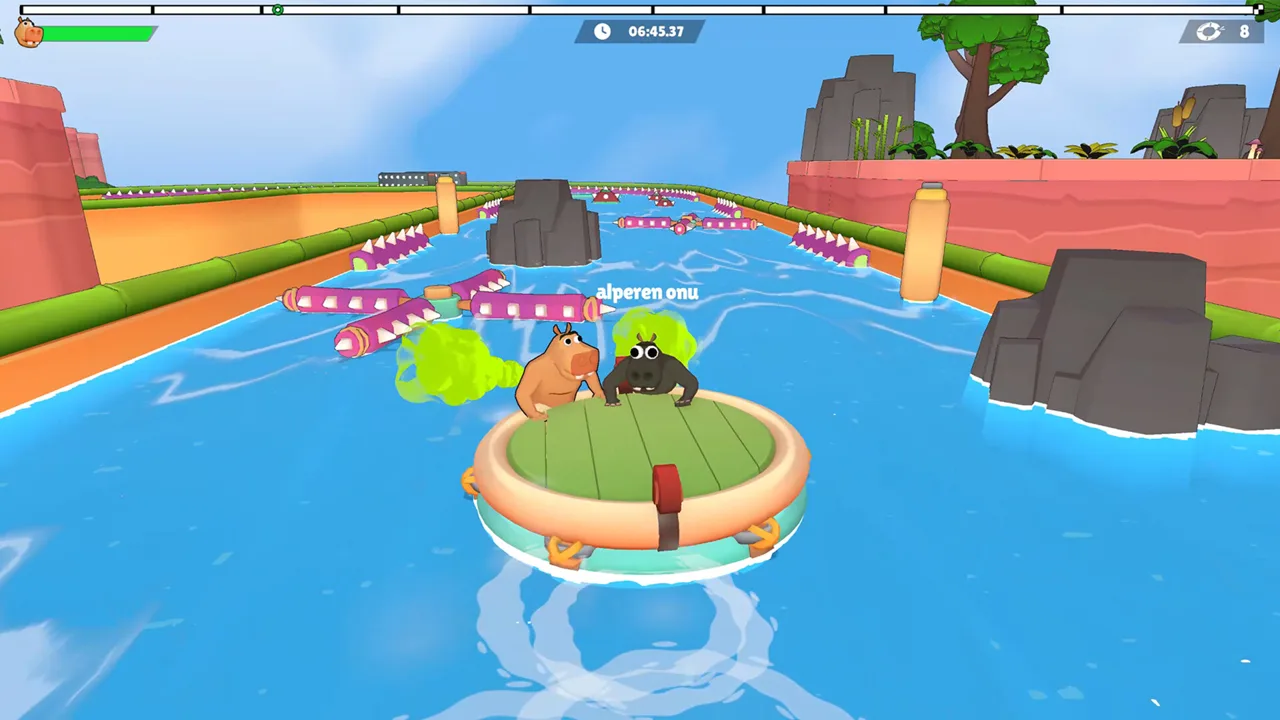 Image: Steam / GamesMrkt
Keep the rest practical:
- State your time zone and availability.
- Say which language you want to use for coordination.
- Explain whether you want a relaxed session or focused attempts.
- Mention whether you’re learning the controls.
- Agree on how you’ll communicate before starting.
For example, try: “Looking for teammates for the free Windows demo. Learning the raft controls and happy to work through mistakes. English communication preferred.”
That communicates your expectations without promising a clean run. In a game where every player affects the same vehicle, matching expectations matters before anyone starts debating who caused the latest turn.
Use consistent directions
Choose a shared way to describe left, right, acceleration, and slowing down. Different interpretations can turn a simple instruction into opposing inputs.
Keep callouts short enough to act on. Say what the raft needs next, then leave room for teammates to respond. Save the detailed discussion for after the maneuver.
Try asking one teammate to call the next obstacle while everyone else focuses on the immediate movement. Treat that as an experiment in communication, then adjust if your group finds another arrangement clearer.
Make mistakes useful
After a failed maneuver, describe the sequence instead of assigning blame. Identify whether someone acted late, pushed in a different direction, or added force during a correction.
Change one part of the plan before trying again. If everyone changes timing and direction at once, you’ll have a harder time understanding why the next attempt worked.
Bring that same detail into the Fart Together steam community when discussing a troublesome section. A clear explanation of the maneuver gives other players something useful to respond to.
Coordinate the Raft Through Turns and Obstacles
The raft reacts to each player’s force, direction, and timing. Sharp turns, narrow passages, and moving hazards put pressure on all three.
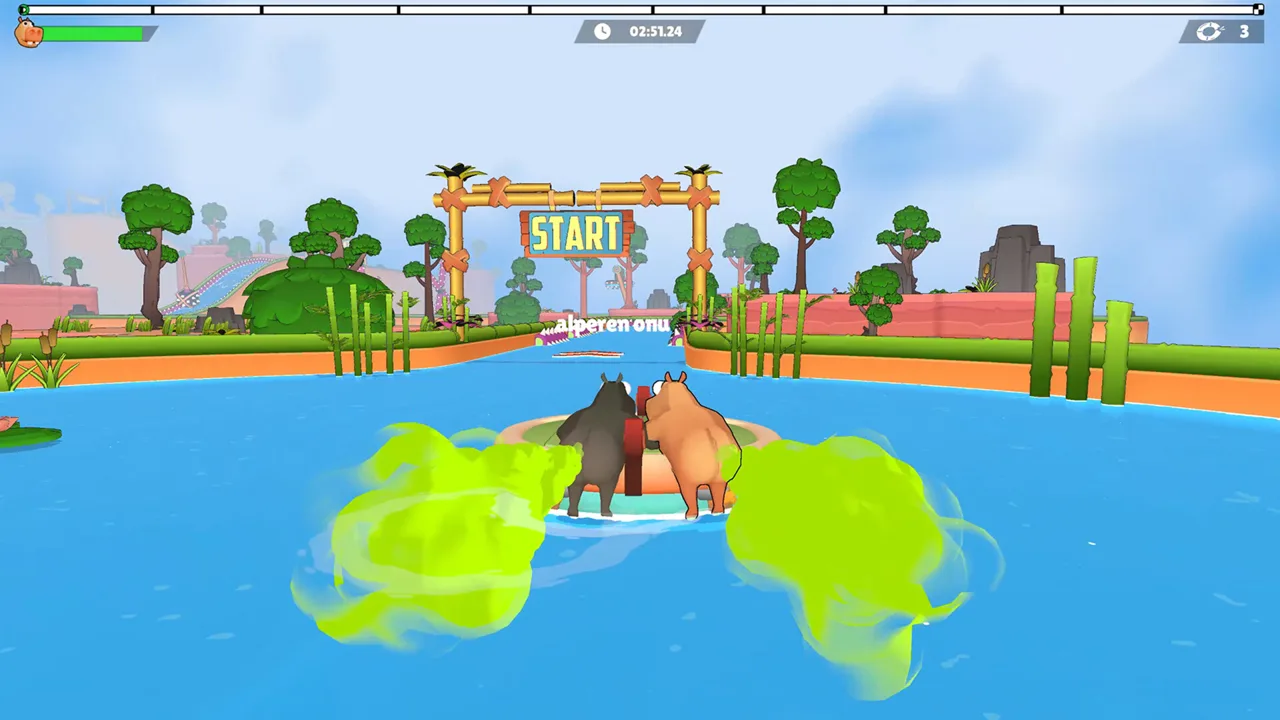 Image: Steam / GamesMrkt
The challenge comes from sharing those decisions. One player’s late input can disrupt a maneuver that the rest of the crew has already started. A forceful correction can also interfere with teammates who are trying to stabilize the same movement.
| Course challenge | What it demands from the crew |
|---|---|
| Sharp turns | Coordinated direction and timing |
| Narrow passages | Control of the raft’s path |
| Moving obstacles | Movement timed around changing hazards |
| Hazards that upset balance | Awareness of the whole raft’s reaction |
| Sections requiring speed changes | Agreement on when to accelerate or slow down |
Use these challenges to structure your practice. Pick the problem you’re trying to solve before changing your inputs.
Plan the turn before adding force
Call the intended direction before the group commits. Ask teammates to acknowledge it, especially after a run where everyone reacted differently.
Watch the raft’s response to the combined input. Avoid immediately adding another correction just because the first movement feels unfamiliar. Give your crew a chance to recognize what its coordinated action is doing.
If the turn goes wrong, discuss when each person acted. Timing is part of the steering problem, so don’t reduce every mistake to someone choosing the wrong direction.
Approach narrow passages deliberately
Use the approach to line up the raft and agree on your next move. Ask for a controlled push rather than several competing adjustments.
After clipping a passage, separate the entry problem from the correction problem. Did the raft approach at an awkward angle, or did the crew change direction while passing through? Those are different things to practice.
Match your movement to moving hazards
Watch the obstacle before calling the maneuver. Agree on when the team should act, and keep the call consistent.
Avoid shouting several new instructions during the same attempt. Review the result afterward and choose a clearer timing cue for the next try.
When sharing tips with the Fart Together steam community, describe the obstacle and the timing change you tried. “We agreed on the moment to push” gives a discussion more substance than simply telling everyone to coordinate.
Prepare Your PC and Give Feedback That Helps
Handle the technical preparation before your crew gathers. Fart Together’s PC version supports Windows, and online co-op requires a stable internet connection.
The minimum and recommended requirements give you a straightforward hardware checklist:
| Component | Minimum | Recommended |
|---|---|---|
| Operating system | Windows 10, 64-bit | Windows 10/11, 64-bit |
| Processor | Intel Core i5-8400 or AMD Ryzen 3 1200 | Intel Core i5-10400 or AMD Ryzen 5 3600 |
| Memory | 8 GB RAM | 16 GB RAM |
| Graphics | NVIDIA GeForce GTX 1050 Ti or AMD Radeon RX 560 | NVIDIA GeForce GTX 1660 or AMD Radeon RX 590 |
| DirectX | Version 11 | Version 11 |
| Available storage | 4 GB | 4 GB |
| Network | Broadband internet | Broadband internet |
The demo supports a keyboard-only option, custom volume controls, and camera comfort features. Its interface supports 17 languages, including English, French, German, Spanish–Spain, Japanese, Korean, and Simplified Chinese.
Use the volume controls to leave enough room for your team’s communication. Agree on a language for callouts even if everyone uses a different interface language.
The full game also includes full controller support and Steam Input API support among its features. Keep your feedback specific to the version and input method you actually used.
Describe the moment that caused trouble
Useful feedback starts with a concrete situation. If the controls felt confusing, explain what you wanted the raft to do and what happened instead. Mention whether your group was turning, entering a narrow passage, or reacting to a moving obstacle.
Include:
- Whether you played the demo or full game.
- How many people were in your group.
- Your input method.
- The movement or obstacle involved.
- What you expected and what happened.
For technical trouble, add your Windows version and relevant hardware. Describe whether the issue interrupted the session or occurred during a particular maneuver.
Keep suggestions equally specific. Ask for clearer feedback on an input or explain why a course section was hard to read. That gives GamesMrkt a concrete problem to consider.
The Fart Together steam community can be useful before and after a session: first for organizing a crew, then for comparing how different groups handled the same coordination problem. Download the demo, agree on your callouts, and give your next run a plan everyone understands.
FAQ
How do I get started with the Fart Together steam community?
Start with the official Steam page and free demo. When organizing a session, specify the demo version, your availability, preferred language, and whether you’re learning the controls. Afterward, share specific questions about raft movement or course difficulty.
Is Fart Together free to play?
A free Fart Together Demo is available on Steam. It launched on October 8, 2026. The full game is a separate Steam product and remains coming soon.
How many players can play Fart Together?
Shared-raft co-op supports 2–4 players. The full game also features competitive modes supporting up to 8 players. Use the mode’s player count when organizing your group.
What platforms does Fart Together support?
The PC version supports Windows. The minimum operating system is Windows 10, 64-bit, and the recommended operating systems are Windows 10 or Windows 11, 64-bit. Online co-op requires a stable broadband internet connection.
Popular pages
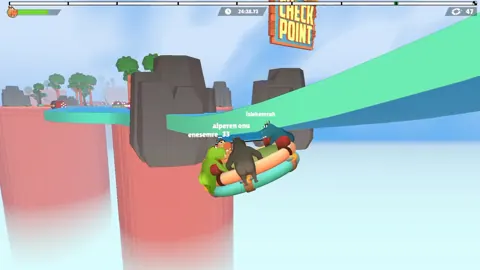
Fart Together Release Date: Steam Launch and PC Guide
The Fart Together release date is coming soon on Steam. Check co-op player counts, Windows PC requirements, and raft gameplay before planning a game night.
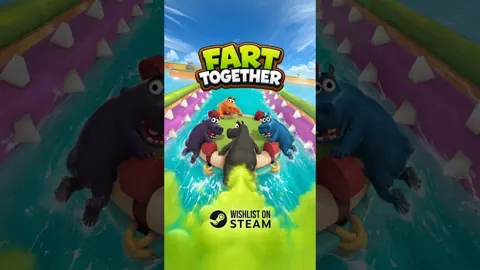
Fart Together Demo: Download, Co-Op, and Playing Tips
Try the Fart Together demo on Steam with 2–4 players. Learn to get started, coordinate your raft, manage stamina, and tackle tricky courses with friends.
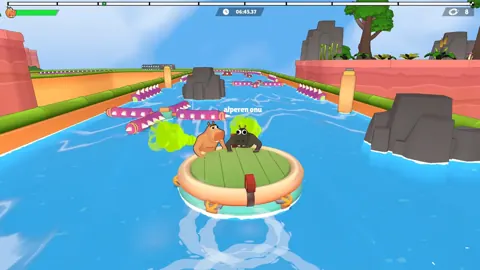
Fart Together Crossplay: Platforms and Co-Op Explained
Explore Fart Together crossplay details, Windows support, co-op player limits, local multiplayer, and Remote Play Together before planning your game night.
Fart Together Fart Timing: Coordinate Your Raft Crew
Improve your Fart Together fart timing with practical tips for coordinated raft movement, sharp turns, narrow passages, and moving obstacles. Plan ahead.
Join the community
Official channels for news, updates and player help: